Start with paper or photos.
Scan a document or choose photos in the order you want. Your original images stay with the draft.
 Scan to PDF
YOUR PAGES. ONE PDF.
Receipts, handwritten notes, recipes, a weekend in photos. Bring the things you want to keep together in a PDF that is easy to save and share.
Coming soon on the App Store · For iPhone and iPad
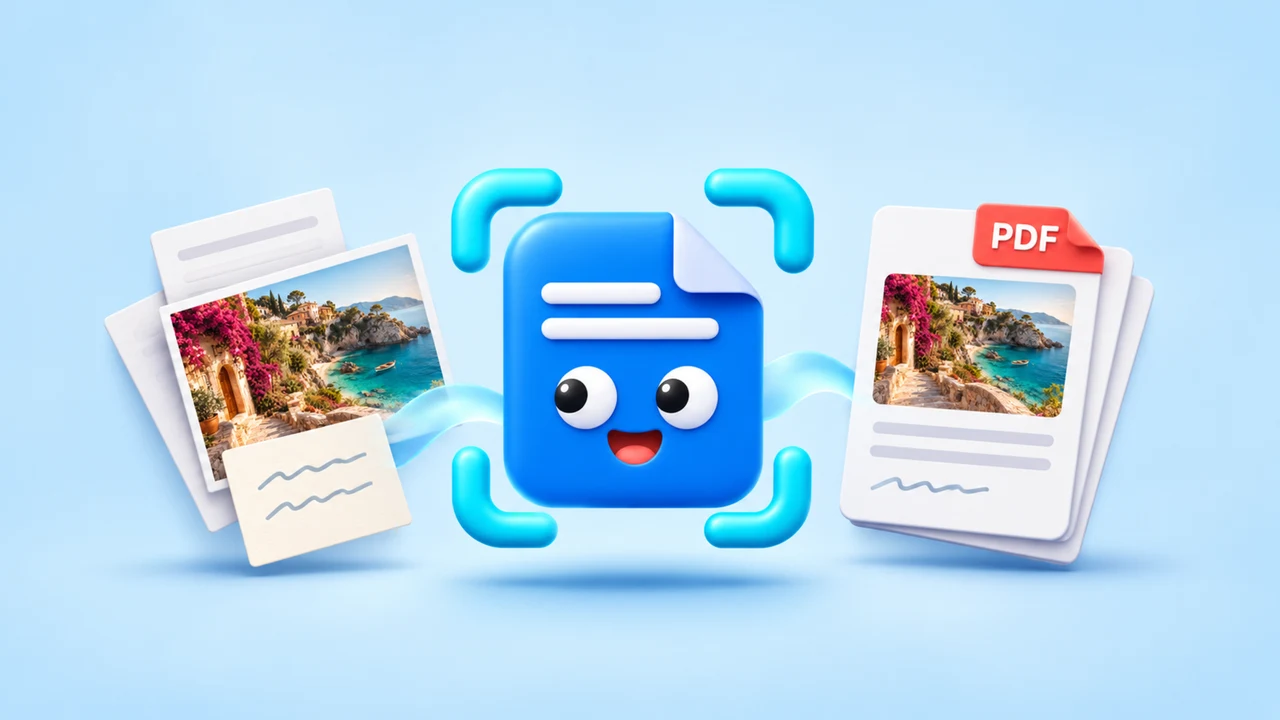
A CLEAR PATH FROM PAPER TO PDF
Scan a document or choose photos in the order you want. Your original images stay with the draft.
Refine the crop, choose a document appearance, and arrange your pages. Set your paper size and orientation before you export.
Look through the PDF, pinch to zoom, and make the final adjustments. Return to a saved draft or find a finished PDF in your history.
A CLOSER LOOK AT YOUR WORKSPACE
Move from the first scan to the final PDF with a clear view of what you are making.
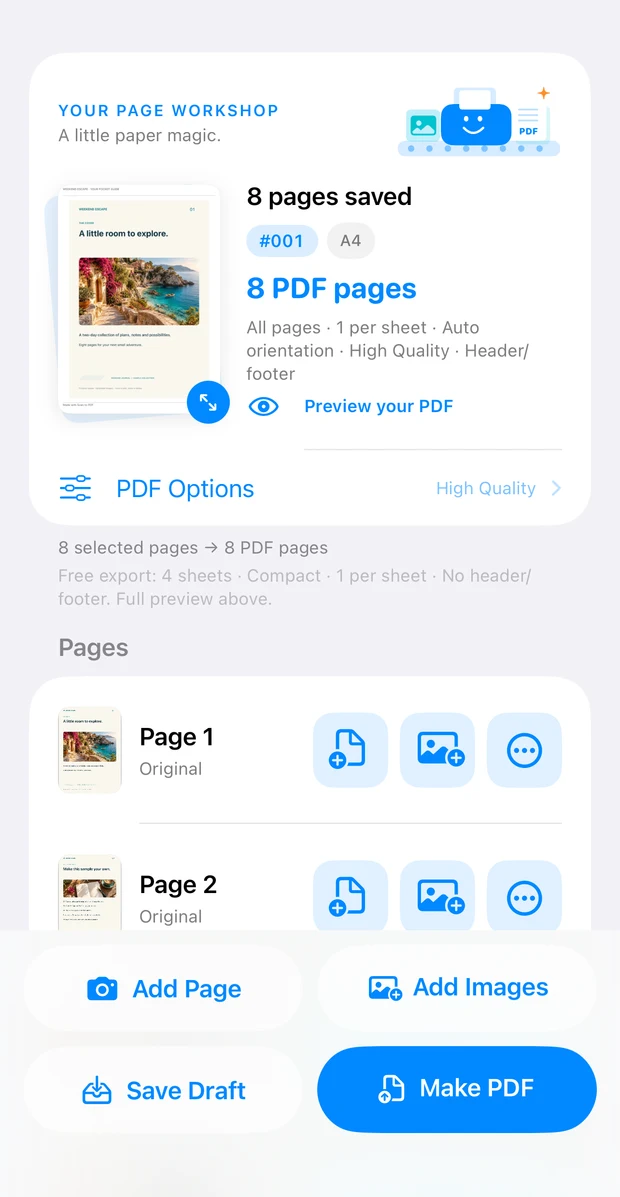
Add scans or photos, open a page to edit, and arrange the document in the order you want. Your work stays in the draft so you can come back to it.
App interface shown in English (UK). Document content can be in any language.
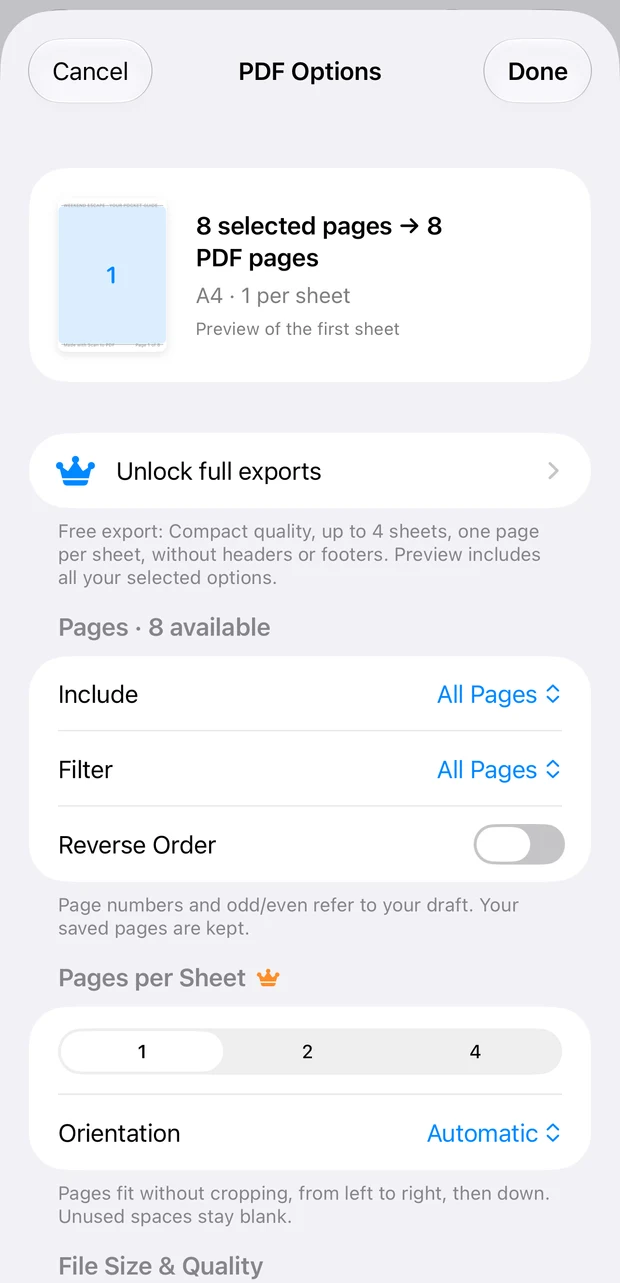
Choose your page range, reverse the order, and explore every layout. A small crown identifies options that require Premium when you export.
App interface shown in English (UK). Document content can be in any language.
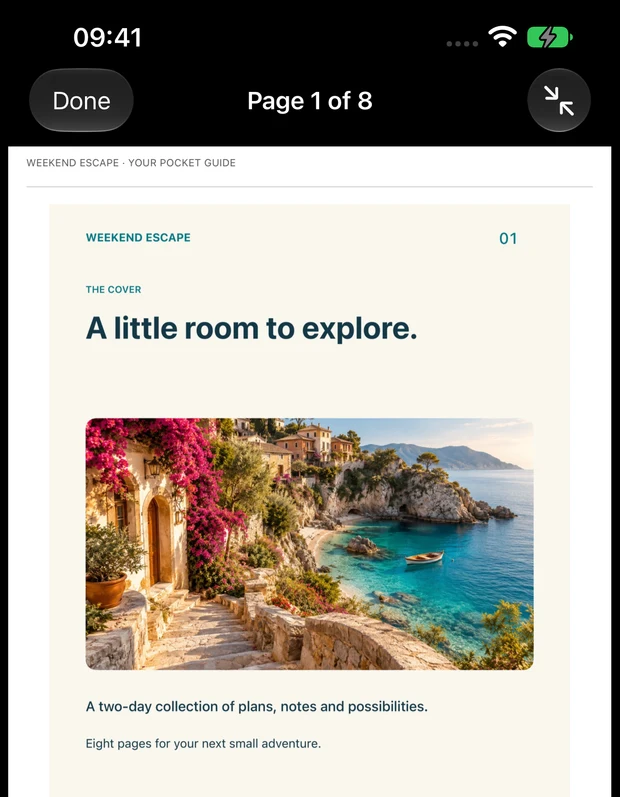
Look through the document and zoom in on the details. Every PDF option is available in preview, so you can choose with confidence before upgrading.
App interface shown in English (UK). Document content can be in any language.
FOR THE THINGS YOU WANT TO KEEP
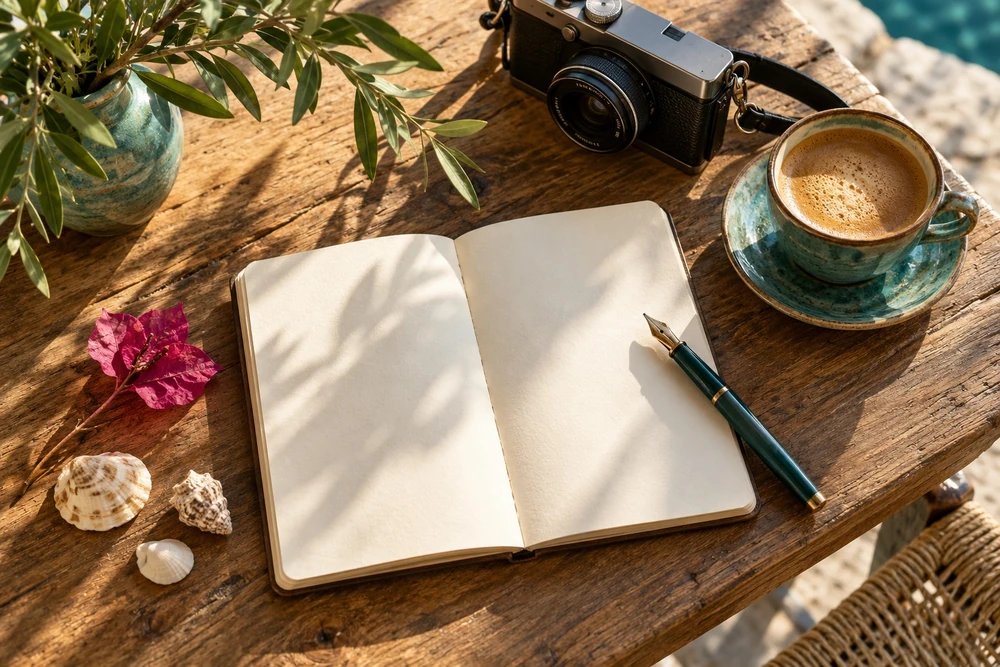
Keep study notes together. Save a recipe from a friend. Turn a trip into a journal. Make the everyday easier to find, read, and share.
Optional background music is free and off by default. Turn it on when you want a little focus, or take a short break with the built-in games.
YOUR DOCUMENTS, CLOSE TO HAND
Scanning, editing, and PDF creation happen on your device. You choose when to share a file. Purchases, support, and app diagnostics use online services; our Privacy Policy explains the details.
Read the Privacy Policy